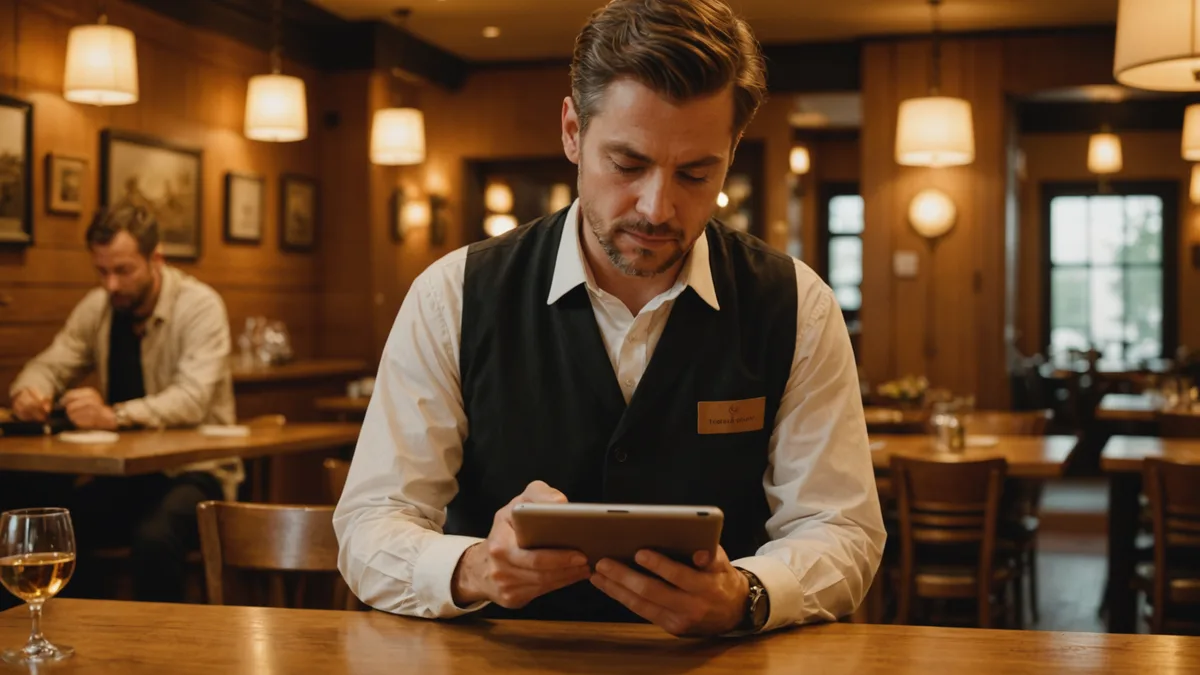
Most restaurant technology setup is a project. It involves vendor calls, training sessions, integration work, and a week of things not quite working before they do. One of the early signals we got from pilot restaurants is that a tool requiring that kind of setup would not get deployed, regardless of how good it was on the other side.
We built Loman's setup to complete in one business day. The actual configuration takes 20 to 45 minutes of the operator's time. The rest is phone number porting or call forwarding, which runs in the background and is usually complete within 24 hours. This piece walks through what that setup actually looks like, what decisions you need to make, and what the most common adjustment in the first week turns out to be.
What You Need Before You Start
Three things make for a clean setup: your restaurant's current phone number or a willingness to use a new number for Loman, your basic operating information (hours, address, reservation policy), and a sense of how you want the phone to be answered.
The greeting is where most operators spend the most time during setup, and it is worth the attention. "Thank you for calling Pasta Luna, this is Loman, how can I help you?" is a common starting point. Some operators prefer to lead with the restaurant name and skip the product attribution. Others want a warmer opening. The greeting sets the tone for every call, so it is worth reading a few options aloud to hear how they sound.
Your current phone number, if you want to keep it, goes through a porting or forwarding process. Most restaurants use call forwarding initially, which means calls to your existing number forward to Loman's number. Porting, where Loman permanently takes over your number, is available and gives you a cleaner long-term setup, but it takes a few business days to process.
The Configuration Decisions That Matter
Once you are in the setup, four decisions shape how Loman handles your calls, and they are worth thinking through before you sit down to configure:
Hours of operation. Loman's behavior during closed hours is separate from its behavior during service. During closed hours, callers hear your after-hours greeting and the system captures voicemails or inquiries appropriately. You configure both separately. Getting the hours right prevents the system from offering reservations at times you are not actually open.
Notification routing. Where do call summaries go? Most restaurants route order notifications to a kitchen-facing device or a shared staff channel. Reservation notifications often go to the manager or owner's phone. Setting these routing rules correctly in the first session saves a lot of friction in week one.
Reservation handling. If Loman is taking reservation requests, it needs to know your policy: how far in advance can someone book, what is the maximum party size you handle over the phone without a direct conversation, do you have private dining options, and what is your cancellation policy. These are the questions callers ask, and the system needs the right answers.
Menu information. Loman can handle common menu questions accurately if you give it basic menu information: main categories, specials, allergen awareness, and anything that requires a specific answer (for example, whether you offer gluten-free pasta or a kids menu). Full menu detail is not required, and many operators start with a simplified version and add more detail as they notice what callers ask about.
The First Week: What to Watch
The first week is calibration. Loman is live and handling calls, but you will have questions about specific interactions and may want to adjust a few things based on what you see.
The most common adjustment is notification format. The default format contains all the relevant information, but after seeing a few real notifications, most operators have a preference about how they want the information displayed. Some want the order confirmation number first. Some want the estimated wait time front and center. Adjusting the format takes a few minutes and makes a noticeable difference in how quickly staff can process the notification.
The second common adjustment is greeting wording. After hearing your greeting used on real calls, it often sounds slightly different than it read during setup. Minor tweaks to phrasing or to how the system handles a common opening question are easy to make and worth doing in week one.
Escalation triggers deserve review after the first few days. Escalation means a call gets flagged for human follow-up rather than handled by Loman. The default escalation triggers are conservative: complaints, catering or large-party inquiries over a certain size, and calls where the caller explicitly asks to speak with a person. After seeing your specific call patterns, you may want to add or remove triggers based on what your callers actually ask for.
What Does Not Require Setup
Loman comes with training on common restaurant interaction patterns already in place. You do not need to script every possible conversation or anticipate every question. The system knows how to handle "are you pet-friendly?", "do you have parking?", and "can you add extra guacamole?" without custom configuration for each.
You also do not need to set up a POS integration to start. Loman sends order notifications that your team processes through your existing POS. Integration options exist for tighter workflow, but they are not a requirement for day one. Many restaurants run for months with notification-based workflow and only pursue integration when the volume justifies it.
What Does Not Work Well Out of the Box
A few things require attention to work well, and it is worth knowing about them before you go live.
Complex dietary requests with multiple constraints work best when the menu information includes your known substitution options. If a caller asks for a dish that is vegan, gluten-free, and nut-free simultaneously, Loman performs better when you have noted which dishes on your menu meet those constraints. Leaving this information sparse means the system escalates those calls for human handling, which is the safe behavior but adds callbacks to your team's queue.
Repeat callers with unusual request patterns may occasionally trigger clarification loops. If you have a regular with a highly specific standing order that deviates from your standard menu, noting that explicitly in the system prevents the system from treating it as ambiguous.
We are not saying setup is trivial or that it requires no attention. An operator who goes through setup in 15 minutes without thinking through their hours, routing, and greeting will have a messier first week than one who takes 45 minutes to do it carefully. But the scope of what is required is narrow, and most restaurants have everything they need to complete it in a single sitting.
After the First Month
By the end of the first month, most operators have settled into a stable configuration. Call handling is running smoothly, the notification format is tuned to what the team actually needs, and the escalation triggers reflect your specific call patterns rather than the defaults.
The review worth doing at 30 days is looking at what escalated and why. If you see a category of calls regularly escalating to human follow-up that you think Loman could handle with better configuration, that is worth addressing. If escalation is catching the right calls and the follow-ups are being handled well, leave it alone. The goal is not zero escalations. The goal is the right escalations.